
 4,7/5
4,7/5


Your trip.
Just the data you need.
A little GPS, a few stories, a call back home…
Estimate your needs and travel with the right plan.
What kind of traveller are you?
You can adjust the duration at any time.
Your day, online.
Enter how long you use mobile data each day.
Social media
Instagram, Facebook, LinkedIn
Video streaming
YouTube, Netflix and your favourite shows
Short videos
TikTok, Reels, YouTube Shorts
Music & podcasts
Spotify, Apple Music, Deezer
GPS & directions
Google Maps, Apple Maps, Waze
Web browsing
Places, bookings and new ideas
Messages & emails
WhatsApp, Messenger, Gmail
Video calls
FaceTime, Zoom, Google Meet
Downloads & updates
Downloaded apps and files
Your everyday life.
A few extra gigabytes.
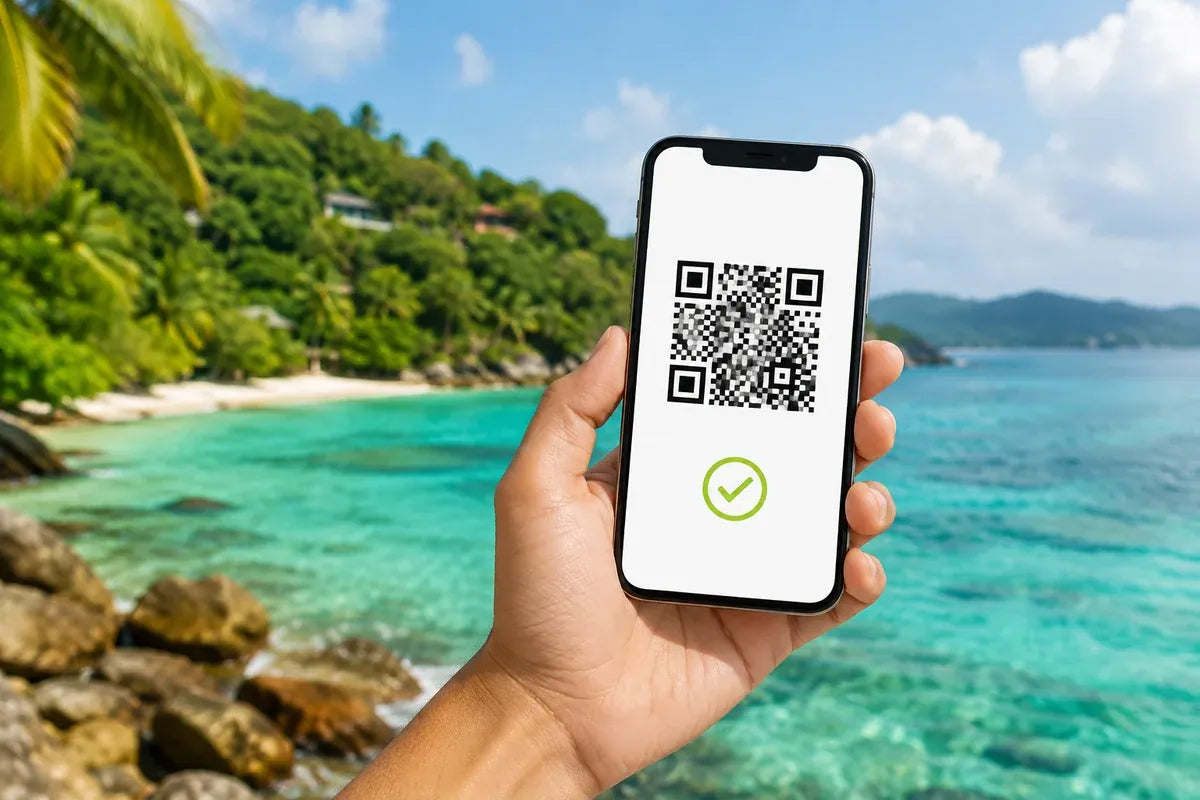
Directions to your hotel, a photo sent to friends or a playlist on the train: once you leave Wi-Fi, your phone uses your plan’s mobile data.
When travelling, these everyday moments add up. Estimating them before you leave helps you choose an amount that fits your pace.
Estimate my needsThree small adjustments.
One well-prepared trip.
The calculation follows your habits, from your first coffee to your last call of the day.
- 01
Choose your profile
Start with an example close to your everyday routine.
- 02
Adjust your time online
Only count usage outside Wi-Fi.
- 03
Find your data volume
Check the total for your stay, then explore plans for your destination.

destination.
What your favourite
activities use.
The averages used in this calculation. Actual usage depends on factors such as resolution and content.
| Activity | Data / hour |
|---|---|
| Social media | 150 MB |
| Video streaming | 1 GB |
| Short videos | 1 GB |
| Music & podcasts | 100 MB |
| GPS & directions | 10 MB |
| Web browsing | 50 MB |
| Messages & emails | 4 MB |
| Video calls | 1 GB |
| Downloads & updates | 300 MB |
1 GB = 1,000 MB. Downloads depend on file size; duration is only an approximate guide here.
How do I choose the right number of gigabytes?
Enter your habits outside Wi-Fi and the length of your trip. The total is a starting point; the suggestion adds a 20% buffer. Check the chosen plan’s data allowance and validity.
Is the result an exact measurement?
It is an estimate. An hour of video can use very different amounts depending on quality. Downloads and backups can also change the total.
What is the difference between MB and GB?
These units measure data volume. This calculator uses 1 GB = 1,000 MB. Daily usage is multiplied by the number of days in your trip.
Can I change a preset profile?
Yes. Choose a profile, then adjust the durations. Your selection changes to Custom and the total updates immediately.
Does Wi-Fi usage count?
No. Only enter time spent using mobile data. If you download content over Wi-Fi before going out, do not include it in your mobile usage.
How can I save data while travelling?
Download maps and playlists over Wi-Fi, reduce video quality and limit automatic backups on mobile data.
How can I see what I have already used?
Check data usage in your phone’s network settings. For your Wellroam eSIM, use Track my eSIM in the menu to access tracking.
Does tethering use my data allowance?
Yes. Devices connected to your phone’s hotspot use its mobile data. Include their usage in your estimate.
Does the length of my trip change the result?
Yes. The daily estimate is multiplied by the duration you enter. Your plan’s validity must also cover your travel dates.
Which activities use the most data?
Video streaming, video calls and large files can make up a large share of your usage. Lowering video quality helps save data.
Do downloaded maps work offline?
Areas saved in advance can reduce the data needed for navigation. Some features, such as live traffic, may still need Internet access.
Should I include automatic updates?
Yes, if they use mobile data. You can restrict them to Wi-Fi in your device settings to manage your usage.
Does a WhatsApp call count as a message?
The calculation separates written messages from video calls. If you often use video calling, add that time under Video calls.